Password Managers: Easier for Staff, Safer for the Business
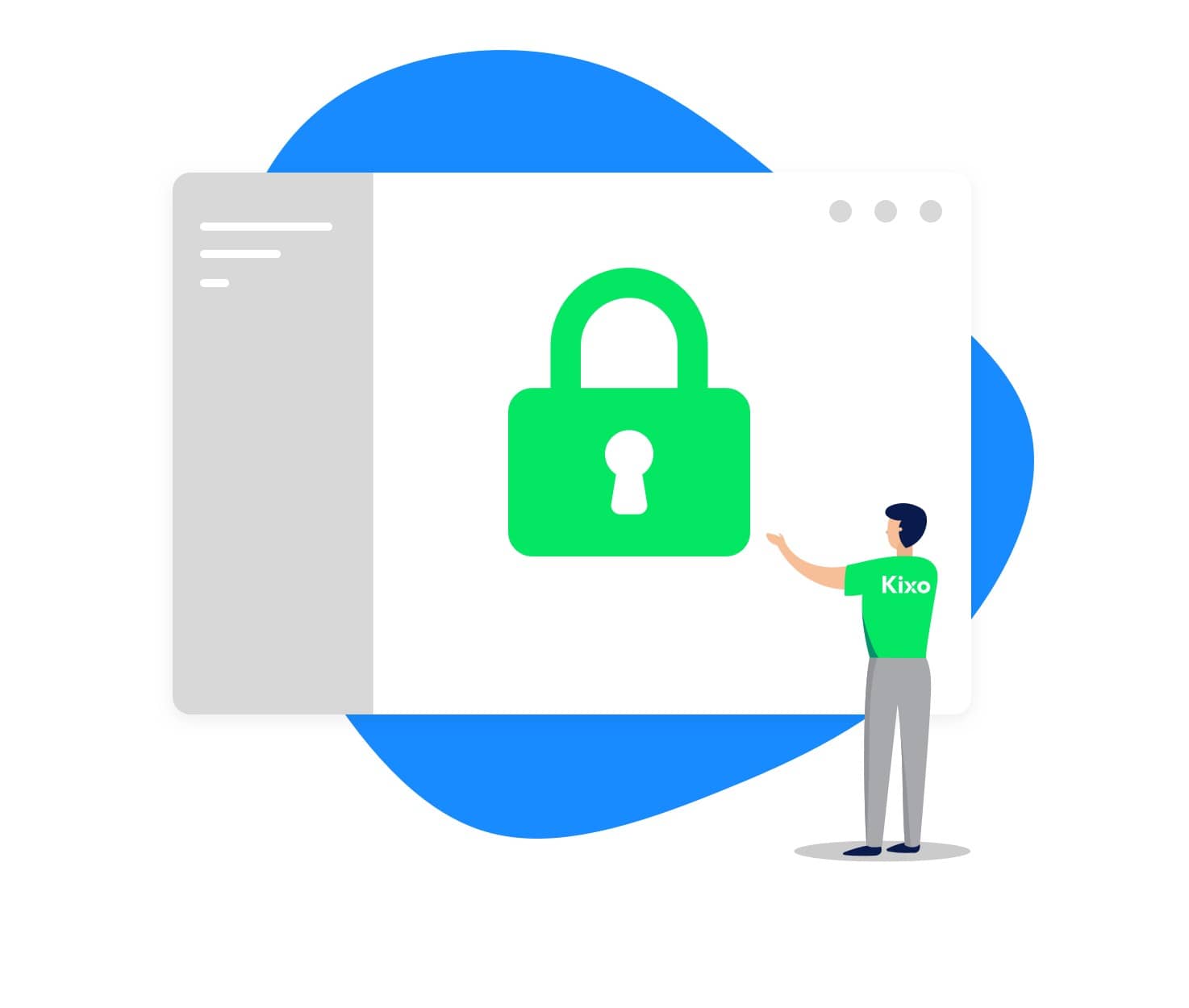
Weak, reused and forgotten passwords are still one of the most common ways businesses get broken into. The fix isn’t asking people to remember more, it’s removing the need to remember at all. A password manager does that, and the side effect is that it also makes everyday logins quicker and less frustrating for everyone involved.
The problem with “just remembering”
Most people cope with password overload in one of two ways: reusing the same password everywhere, or using a predictable pattern that’s easy to guess. Both feel manageable day to day, but both are a gift to an attacker. If one of those reused passwords turns up in a data breach (and breaches happen to well-known companies all the time), every other account using it is suddenly exposed too.
A password manager removes the trade-off. Every account gets its own long, random password, and nobody has to memorise any of them.
From a user’s perspective: it’s just easier
- No more forgotten passwords. Logins are filled in automatically, so there’s no “forgot password” loop eating into your day.
- No more reused passwords. The manager generates and stores a unique one for every site and app.
- Faster logins across devices. Phone, laptop, tablet - once it’s set up, it’s set up everywhere.
- One password to remember, not fifty. Just the master password (or a passkey/biometric) to unlock the vault.
- Useful extras. Most tools can also store secure notes, card details and passport numbers, and will flag reused or weak passwords for you to fix.
It genuinely makes using the internet less annoying, which is a big part of why it sticks once people try it.
From a business perspective: it’s safer
For a business, the same tool solves a much bigger problem than personal convenience:
- Removes the weakest link. Most breaches trace back to a reused or guessed password somewhere. Unique, random passwords for every account close off that route.
- Makes offboarding clean. When someone leaves, shared logins can be revoked or rotated centrally, rather than hoping nobody wrote them down somewhere.
- Supports shared access without shared secrets. Teams can securely share logins for shared tools and accounts without passwords being emailed, messaged or stuck on a sticky note.
- Gives visibility. Admin tools let you see weak, reused or breached passwords across the business, and enforce policies like two-factor authentication.
- Helps with compliance. Credential management is a basic expectation under frameworks like Cyber Essentials and good practice for GDPR, and pairs naturally with broader staff security training.
In other words: the easier option for staff and the safer option for the business turn out to be the same thing.
Which password manager?
There are a few well-established options, and most businesses would be well served by any of them:



- 1Password - polished, widely used in business settings, strong admin and team-sharing features.
- Bitwarden - open source, cost-effective, works well for businesses that want flexibility (including self-hosting).
- Proton Pass - from the team behind Proton Mail, strong on privacy, a solid option if you’re already in the Proton ecosystem.
The right choice depends on your existing setup and how your team shares access, but the important thing is picking one and rolling it out properly, not which specific brand you land on.
Getting it rolled out properly
A password manager only delivers its benefits if it’s actually used. That means:
- Choosing a business plan, not relying on individual free accounts
- Migrating existing passwords in and retiring the browser’s built-in password saving
- Turning on two-factor authentication alongside it
- A short briefing so staff understand why it matters and how to use it day to day
Get started
If you’d like help choosing and rolling out a password manager across your business, get in touch for a free consultation.
Need help with this? Speak to Dan for a free consultation.
Supporting partners